
Categories
Categories





















Categories








Categories
Categories




Categories

Categories


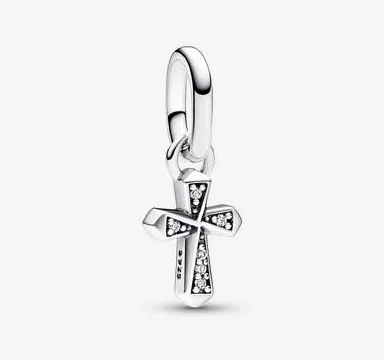


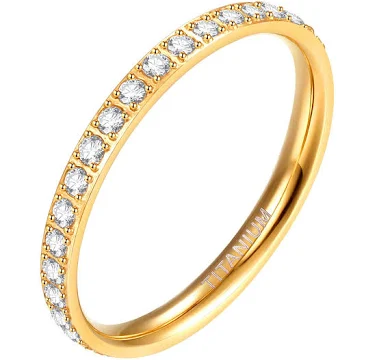
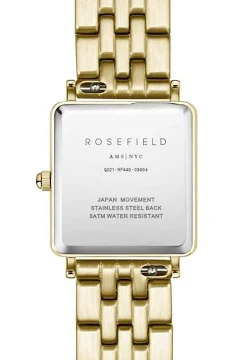
Categories






Categories





Categories


Categories

Categories

Categories

How to Order
Shopping at Jane Glamour is simple and secure. Follow these easy steps to place your order.
Browse & Choose
Explore our collection using the category menu or search bar. Use filters to find items by color, size, price and style. Click on any product to see full details, photos and available sizes.
Select Size & Color
Choose your preferred color using the color thumbnails on the product page. Select your size — check the Size Guide if you're unsure. Asian sizes tend to run smaller, so we recommend sizing up.
Add to Cart
Click the Add to Cart button. You can continue shopping and add more items. View your cart at any time by clicking the cart icon at the top of the page.
Create Account or Log In
To complete your purchase, you'll need an account. Creating one is free and takes less than a minute. Your account lets you track orders, save your address and view your order history.
Enter Delivery Details
Enter your delivery address in Uganda. Make sure your phone number is correct — we may contact you to confirm delivery details.
Pay Securely
We accept MTN Mobile Money and Airtel Money. Follow the on-screen instructions to complete your payment. You will receive a confirmation message once payment is approved.
Track Your Order
Once dispatched, you'll receive a tracking number via email. Use it on our Track My Order page to follow your package all the way to your door.
Need Help?
If you have any trouble placing your order, contact us at jane@janeglamour.com and we'll guide you through the process.
Jane Glamour